Tablets
Alexa Tablet 12 Pro vs 11 vs 8: Which Should You Buy?
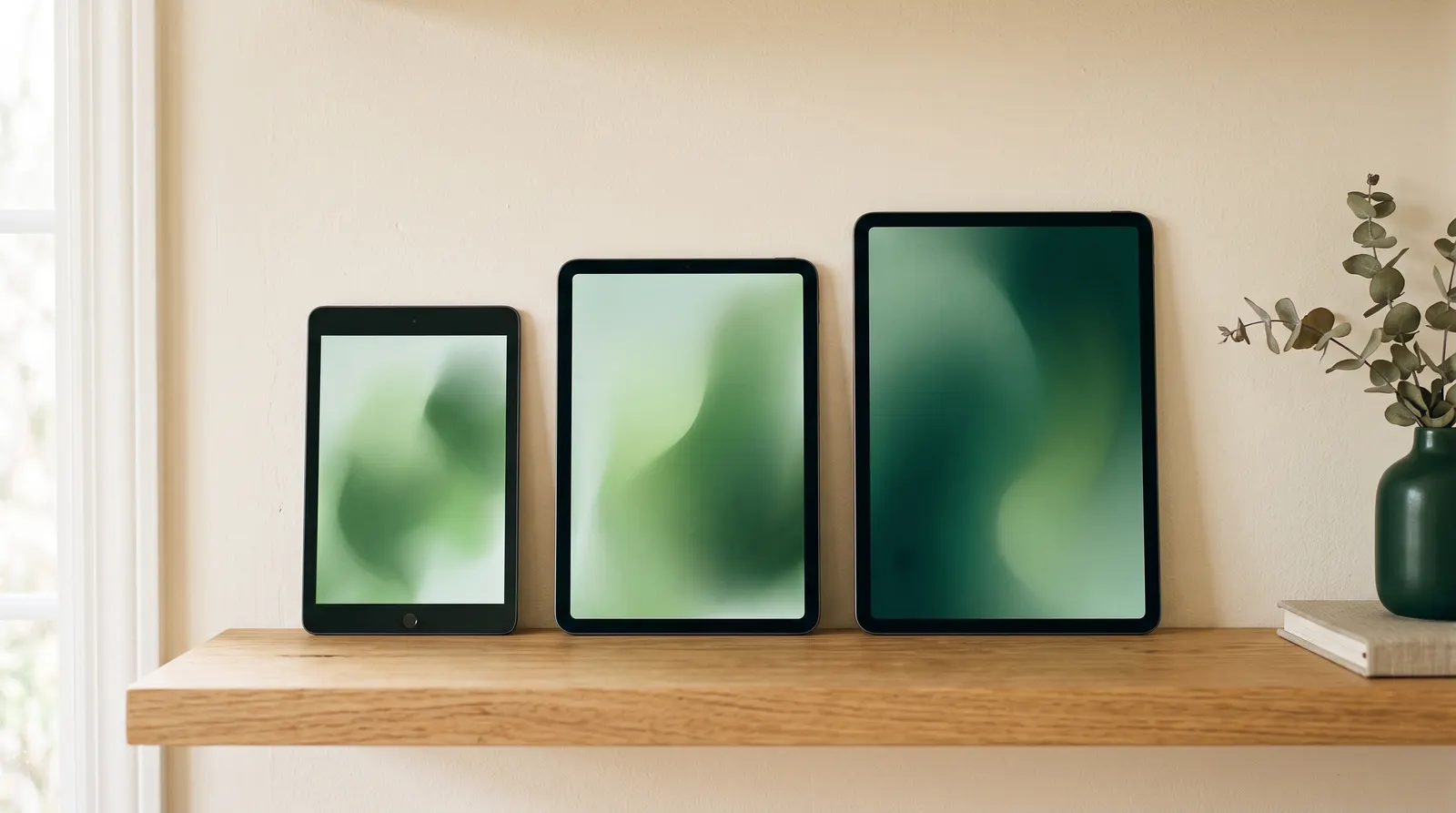
All three Alexa Tablets run the same Android 16 software with Google Play and Alexa+. They differ in screen, chip, memory and price. Here’s the full comparison and a quick way to pick.
As an Amazon Associate, Before You Cart earns from qualifying purchases. Read our affiliate disclosure.
The short answer
- Most people: the Alexa Tablet 11 (launched at $329.99). It has a sharp 11-inch screen, 8GB of RAM and a 16:10 shape that’s built for video.
- Tight budget, kids or one-handed use: the Alexa Tablet 8 (launched at $229.99).
- Reading, school, drawing or gaming: the Alexa Tablet 12 Pro (launched at $499.99). It’s the only one with a 120Hz screen, a fast chip and keyboard and pen support.
Full spec comparison
Specs come from Amazon’s October 8, 2026 announcement and its developer specification pages. Where Amazon hasn’t said, we’ve written “not stated” rather than guess. Prices are launch prices for the base configuration.
| Spec | Alexa Tablet 12 Pro | Alexa Tablet 11 | Alexa Tablet 8 |
|---|---|---|---|
| Launched at (Oct 2026) | $499.99 (Nanomatte from $549.99) | $329.99 | $229.99 |
| Screen size | 11.95″ (sold as 12″) | 11″ | 8.7″ |
| Resolution | 2800 × 1840 | 2560 × 1600 | 1340 × 800 |
| Aspect ratio | 3:2 | 16:10 | 5:3 |
| Pixel density | 280 PPI | 276 PPI | 180 PPI |
| Refresh rate | 120Hz | 90Hz | 60Hz |
| Brightness | 500 nits | 500 nits | 400 nits |
| Anti-glare option | Yes, Nanomatte | No | No |
| Chip | MediaTek Dimensity 8400 (4nm, 8-core) | MediaTek MT8189 (2× A78 + 6× A55, 2.0GHz) | MediaTek MT8189 (2× A78 + 6× A55, 2.0GHz) |
| RAM | 8GB or 16GB | 8GB | 4GB base (8GB option listed) |
| Storage | 128GB or 256GB | 64GB or 128GB | 64GB or 128GB |
| microSD | No | No | No |
| Battery (Amazon’s video estimate) | Up to 16 hours | Up to 15 hours | Up to 14 hours |
| Speakers | Quad, Dolby Atmos | Dual, Dolby Atmos | Not stated |
| Wi-Fi | Wi-Fi 6E | Wi-Fi 6 | Wi-Fi 6 |
| Cameras (rear / front) | 13MP AF / 8MP | 8MP AF / 8MP | 8MP AF / 5MP |
| Build | Aluminum unibody, 6.5 mm, about 550 g | Not stated | Aluminum, 7.95 mm, 329 g |
| Keyboard and pen | Pro Keyboard ($149.99), Pro Pen ($89.99) | Not listed | Not listed |
| Colors | Graphite (Nanomatte colors vary by listing) | Graphite, Amethyst, Matcha | Graphite, Rosette, Teal |
| Software | Android 16, Google Play, Alexa+, Kindle mode | Android 16, Google Play, Alexa+, Kindle mode | Android 16, Google Play, Alexa+, Kindle mode |
Scroll sideways to see every column.
The differences that matter
1. The screen
The biggest jump is from the 8 to the 11. The Alexa Tablet 11 has more than three times as many pixels (2560 × 1600 vs 1340 × 800), 90Hz instead of 60Hz, and 500 nits instead of 400. At 180 PPI, text on the Tablet 8 looks visibly softer up close. That’s fine for cartoons and YouTube, less so for hours of reading.
From the 11 to the 12 Pro, sharpness barely changes (276 vs 280 PPI). What changes is the shape and the smoothness. The 12 Pro’s 3:2 screen is taller, which suits pages, documents and comics. Its 120Hz refresh rate makes scrolling and pen strokes smoother. It’s also the only model with the optional Nanomatte anti-glare finish. The Tablet 11’s wider 16:10 screen is better for films and shows, with less letterboxing.
2. The chip and memory
The Tablet 8 and Tablet 11 share the same MediaTek MT8189 chip, so the 11 isn’t meaningfully faster at the chip level. Its advantage is 8GB of RAM vs 4GB in the base Tablet 8, which helps when switching between apps and keeping browser tabs open. The 12 Pro’s Dimensity 8400 is a 4nm chip in a different class. It’s the one to pick for demanding Android games, heavy multitasking or keeping the tablet for many years.
3. Storage
None of the three has a microSD slot in Amazon’s developer specs, so pick enough storage up front. The 64GB base on the 8 and 11 is fine for streaming and books. If you download a lot of video for flights or install big games, step up to 128GB, or go 12 Pro, which starts at 128GB.
4. Accessories
Only the 12 Pro has the Pro Keyboard and Pro Pen in Amazon’s announcement. If you want a laptop-style setup for school or a pen for notes and sketching, that decides it.
Decide by budget
| Budget | Buy | Why |
|---|---|---|
| Under $250 | Alexa Tablet 8 | The only Alexa Tablet under $250 at launch. Small, light, aluminum, Google Play. |
| $250 to $400 | Alexa Tablet 11 | $100 more than the 8 buys a much better screen and double the RAM. Best value of the three. |
| $500 to $550 | Alexa Tablet 12 Pro | Faster chip, 120Hz 3:2 screen, 128GB base. Add $50 for Nanomatte if you read a lot. |
| About $790 | 12 Pro Nanomatte + Pro Keyboard + Pro Pen | The full setup at launch prices, for school or light work. |
Scroll sideways to see every column.
Decide by use
- Streaming and couch browsing: Alexa Tablet 11. The 16:10 screen and dual Dolby Atmos speakers suit video, and you don’t need the 12 Pro’s chip for Netflix.
- Reading books, PDFs and comics: Alexa Tablet 12 Pro with Nanomatte. You get the taller 3:2 page shape, anti-glare glass and Amazon’s 20-hour Kindle mode reading estimate. If you only read novels, a dedicated Kindle e-reader is still lighter and easier on the eyes. See our best tablet for reading guide for non-Amazon options too.
- Kids: Alexa Tablet 8, or one of Amazon’s new Kids tablets, which come with a kid-proof case and a year of Amazon Kids+. Amazon hasn’t published their prices in its announcement, so check the Kids tablet listings (opens Amazon in a new tab), or read our best tablet for kids guide.
- School, notes and drawing: Alexa Tablet 12 Pro. It’s the only one with keyboard and pen support.
- Gaming: Alexa Tablet 12 Pro. The Dimensity 8400 chip and 120Hz screen are in a different league from the MT8189.
- Travel: Alexa Tablet 8 if you want small and light (329 g). Pick the 12 Pro if you want the longest rated battery life (16 hours of video).
- Older relatives: Alexa Tablet 11. The big, bright screen and Alexa+ voice control make it easy to use, and it costs much less than the Pro.
Our picks
Amazon Alexa Tablet 11
For: streaming, browsing, video calls and casual reading. The right size and price for most households.
11″ 2560 × 1600, 90Hz · 8GB RAM · 64GB or 128GB · up to 15 hours of video · launched at $329.99
Pros
- Sharp 2.5K screen at a mid-range price
- 8GB RAM, double the base Tablet 8
- Dual Dolby Atmos speakers
Cons
- Same chip as the cheaper Tablet 8
- No keyboard or pen accessories listed
Amazon Alexa Tablet 12 Pro
For: heavy readers, students, artists and gamers. Anyone who will use the extra power and the accessories.
11.95″ 2800 × 1840, 3:2, 120Hz · Dimensity 8400 · 8GB or 16GB RAM · 128GB or 256GB · launched at $499.99
Pros
- Only model with 120Hz, 3:2 and Nanomatte
- Much faster 4nm chip
- Pro Keyboard and Pro Pen support
Cons
- $170 more than the Tablet 11 before accessories
- 3:2 screen means bigger black bars on films
Amazon Alexa Tablet 8
For: kids, travel, the kitchen counter and anyone who mainly wants a small screen for video and apps.
8.7″ 1340 × 800, 60Hz · 4GB RAM · 64GB or 128GB · up to 14 hours of video · 329 g · launched at $229.99
Pros
- Cheapest way into Google Play and Alexa+
- Light aluminum body at 329 g
- Fun colors: Rosette and Teal
Cons
- Lowest-resolution screen in the range (180 PPI)
- 4GB RAM in the base model
The verdict
The Alexa Tablet 11 is the sweet spot. The jump from the 8 to the 11 buys the most for $100, while the jump to the 12 Pro mostly pays for power, screen shape and accessories you may not use. Get the 12 Pro if you read, write or game on your tablet every day, ideally with Nanomatte. Get the Tablet 8 when price or size comes first. Coming from an old Fire tablet? Our Fire replacement guide maps each model to its successor.
Frequently asked questions
What is the difference between the Alexa Tablet 12 Pro, 11 and 8?
Screen, chip, memory and price. The 12 Pro has a 120Hz 3:2 screen, a Dimensity 8400 chip, 8GB or 16GB RAM and keyboard and pen support ($499.99 at launch). The 11 has a 90Hz 2560 × 1600 screen and 8GB RAM ($329.99). The 8 has a 60Hz 1340 × 800 screen and 4GB RAM ($229.99).
Which Alexa Tablet is best for most people?
The Alexa Tablet 11. It has a sharp 11-inch screen, 8GB of RAM and a 16:10 shape that suits video, and it costs $170 less than the 12 Pro at launch prices.
Do the Alexa Tablet 11 and 8 work with the Pro Pen and keyboard?
Amazon’s announcement lists the Pro Keyboard and Pro Pen only for the Alexa Tablet 12 Pro.
Do any Alexa Tablets have a microSD card slot?
No. Amazon’s developer specifications list no external storage for the 12 Pro, 11 or 8, so choose your storage size when you buy.
Is the Alexa Tablet 8 good for kids?
It’s small, light and the cheapest Alexa Tablet. Amazon also sells new Kids tablets in 8.7-inch and 11-inch sizes that add a kid-proof case and a year of Amazon Kids+.
Do all three Alexa Tablets have Google Play and Alexa+?
Yes. All three run Android 16 with the Google Play Store, Alexa+ and Kindle mode.
Sources
This guide is based on manufacturer specifications and published launch coverage. We have not tested these tablets ourselves. Specs and launch prices were checked on October 12, 2026.
- About Amazon: “Amazon’s new Alexa Tablets” announcement (Oct 8, 2026) (opens in a new tab)
- Amazon Developer: Alexa Tablet 12 Pro device specifications (opens in a new tab)
- Amazon Developer: Alexa Tablet 11 device specifications (opens in a new tab)
- Amazon Developer: Alexa Tablet 8 device specifications (opens in a new tab)
- The Verge: Hands-on with the Alexa Tablet 12 Pro and its Nanomatte display (opens in a new tab)
- Engadget: Alexa Tablet 12 Pro vs Fire HD 10 — what changed (opens in a new tab)
- CNET: Goodbye, Fire tablet — Amazon’s new Alexa Tablet (opens in a new tab)
- WIRED: Amazon’s Alexa Tablets (2026) (opens in a new tab)