Tablets
Alexa Tablet 12 Pro Screen Protector: Do You Need One, and Which Type?
It depends on which 12 Pro you bought. The Nanomatte model already has anti-glare etched into the glass, so most owners should skip a protector. On the standard glossy model, the right type depends on whether you use the Pro Pen, need privacy, or just want scratch insurance.
As an Amazon Associate, Before You Cart earns from qualifying purchases. Read our affiliate disclosure.
The short answer
- Nanomatte model: skip the protector. The anti-glare is etched into the glass. Use the Folio Cover for scratch protection.
- Glossy model, Pro Pen user: a paper-feel matte film cuts glare and adds pen grip. Budget for extra pen tips.
- Glossy model, just want scratch protection: a tempered-glass protector keeps the screen as clear as it is now.
- Working in public: a four-way privacy filter made for the 12 Pro.
What to look for
- Made for the 12 Pro by name: it’s a 12-inch, 3:2 screen, so generic 12-inch or iPad sizes won’t line up with the edges or the front camera.
- Matches your screen: Nanomatte owners shouldn’t add glass; glossy owners can choose clear, matte or paper-feel.
- Pen use: if you write with the Pro Pen, the surface matters more than the hardness rating.
- Slightly smaller than the screen: a “case-friendly” cut leaves a small gap at the edges so covers don’t lift it.
- Two in the pack and an install kit: alignment stickers and a dust remover make the first try much more likely to work.
Nanomatte or glossy: which do you have?
The 12 Pro comes with two screen options. The standard model has a glossy screen. The Nanomatte model costs about $50 more (9to5Google and Engadget) and has an anti-glare finish that BGR says Amazon developed with Corning and etched into the glass itself, instead of adding a matte coating. As of November 26, 2026, Best Buy had the standard 128GB model at $349.99 and the Nanomatte model at $399.99, down from $499.99 list for the standard model.
- Nanomatte: Engadget, which reviewed a Nanomatte unit, said the etching does a good job of cutting glare, though colors looked a little washed out in strong light. What Hi-Fi? found the picture crisp and detailed indoors. Covering it with a glossy glass protector would put the reflections back, and a matte film on top of matte glass adds a second layer of haze. Skip the protector.
- Glossy: SlashGear’s review unit had the standard screen and found it “quite reflective” and hard to see in bright daylight. BGR, also on a glossy unit, said colors can look washed out under strong direct light. A matte or paper-feel film helps here; a clear glass protector won’t.
Not sure which you have? Look at a window reflection on the screen with the tablet off. A sharp, mirror-like reflection means glossy; a soft, blurred one means Nanomatte.
Glass vs film vs paper-feel
| Type | Best for | Trade-off |
|---|---|---|
| Tempered glass (clear) | Scratch and impact protection on the glossy model, keeping the screen sharp | Keeps all the glare; adds a little thickness |
| Clear film (PET) | A thin, cheap layer against scratches | Doesn’t feel like glass under your finger |
| Matte film | Reading and video near windows on the glossy model | Slightly less sharp and bright |
| Paper-feel film | Pro Pen users who want pencil-on-paper drag | Duller image; wears pen tips faster |
| Privacy filter | Trains, planes and open offices | Blacked out from the side; glossy versions add glare |
For Pro Pen users: Astropad, which sells a competing product, notes that paper-feel films diffuse light, so lines and graphics look a little blurred and the screen looks dimmer, and that they wear pen tips quickly; it says heavy Apple Pencil users can need new tips every couple of months. The same applies to the Pro Pen. If you go paper-feel, keep a 3-pack of Pro Pen replacement tips (opens Amazon in a new tab) on hand. More on the pen itself in our stylus guide.
Our picks
As of November 26, 2026, we found no 12 Pro screen protector from a big-name maker such as Zagg, Spigen, ESR or Paperlike, and no published review of any 12 Pro protector. The picks below are made for the 12 Pro by name on the maker’s own site. Specs are from the maker’s listings.
Amazon Alexa Tablet 12 Pro Folio Cover
For: protecting the screen, especially the Nanomatte one, without covering it.
Plant-based leather · magnetic snap-on · soft-touch interior to help protect the screen from scratches · tri-fold stand with two angles · auto wake and sleep · Black, Caramel or Matcha · $58.99 at Best Buy on Nov 26, 2026 ($69.99 list)
Pros
- Made by Amazon for the 12 Pro
- Covers the screen in a bag
- Keeps the Nanomatte finish as is
Cons
- No edge or drop protection
- Only two stand angles
ViaScreens Paper Screen Protector for Alexa Tablet 12 Pro
For: glossy-model owners who write or draw with the Pro Pen and want less glare.
PET film, 0.135 mm · matte, paper-like surface · 2H hardness · 2 protectors plus install kit (dust removers, alignment stickers, squeegee) · fit leaves cameras and ports clear · about $22.89 at ViaScreens (Nov 2026)
Pros
- Made for the 12 Pro by name
- Two in the pack
- Cuts glare and fingerprints
Cons
- Small brand, no published review yet
- Duller image and faster tip wear, like all paper-feel films
ViaScreens also lists a plain Matte and an anti-glare Silk film for the 12 Pro (both about $20 as of Nov 2026) if you want less glare without the paper texture, and a clear Vivid film for scratch protection only. See the full 12 Pro range at ViaScreens.
ViaScreens Privacy Quad Screen Protector for Alexa Tablet 12 Pro
For: working on trains, planes or in open offices.
PET, 0.48 mm · micro-louvre filter limits viewing to 30° either side · works in portrait and landscape (four-way) · glossy finish · 1 protector plus install kit · about $74.19 at ViaScreens (Nov 2026)
Pros
- Privacy in both orientations
- Made for the 12 Pro by name
Cons
- Glossy, so it adds glare (rated 1 of 5 for glare by the maker)
- Expensive for a film
Cheaper ViaScreens privacy films (about $46 to $51 as of Nov 2026) only block side views in one orientation. Because most people use a 12-inch tablet sideways with the keyboard, check that the one you pick works in landscape.
Buying a tempered-glass protector
Tempered glass makes sense on the glossy model if you mainly want scratch and drop insurance and like the screen as it is. We couldn’t confirm a glass protector for the 12 Pro from an established brand yet, so search and check each listing for:
- “Alexa Tablet 12 Pro” and “2026” in the title. Fire HD and older 12-inch sizes won’t fit.
- A note on whether it works with the Nanomatte model. If you have Nanomatte, don’t buy glass at all.
- A camera cut-out or a cut that stops short of the front camera.
- A frame or alignment tool in the box, and at least two protectors.
- A seller with clear returns, since early listings come from little-known brands.
Search Amazon for Alexa Tablet 12 Pro tempered glass protectors (opens Amazon in a new tab) or matte and paper-feel films (opens Amazon in a new tab).
Fit with the Folio Cover and cases
Amazon’s Folio Cover snaps onto the back with magnets and its front flap rests on the screen, so a thin film or glass protector sits under it without trouble. After installing, close the cover and make sure it lies flat and still wakes and sleeps the tablet. The Pro Pen attaches magnetically to the top edge, not the screen (Engadget), so a protector doesn’t get in its way.
If you’d rather have a case with a hard back, Fintie now makes a Slim Trifold Case for the 12 Pro and 12 Pro Nanomatte ($27.99 at Fintie, Nov 2026) with a PU leather cover, hard PC back and auto wake and sleep. Fintie doesn’t say whether it leaves room for the Pro Pen to charge. With any case that wraps the edges, pick a protector cut slightly smaller than the screen so the case lip can’t lift its corners. See the Fintie case. Our 12 Pro accessories guide covers the Folio Cover, keyboard and charger in more detail.
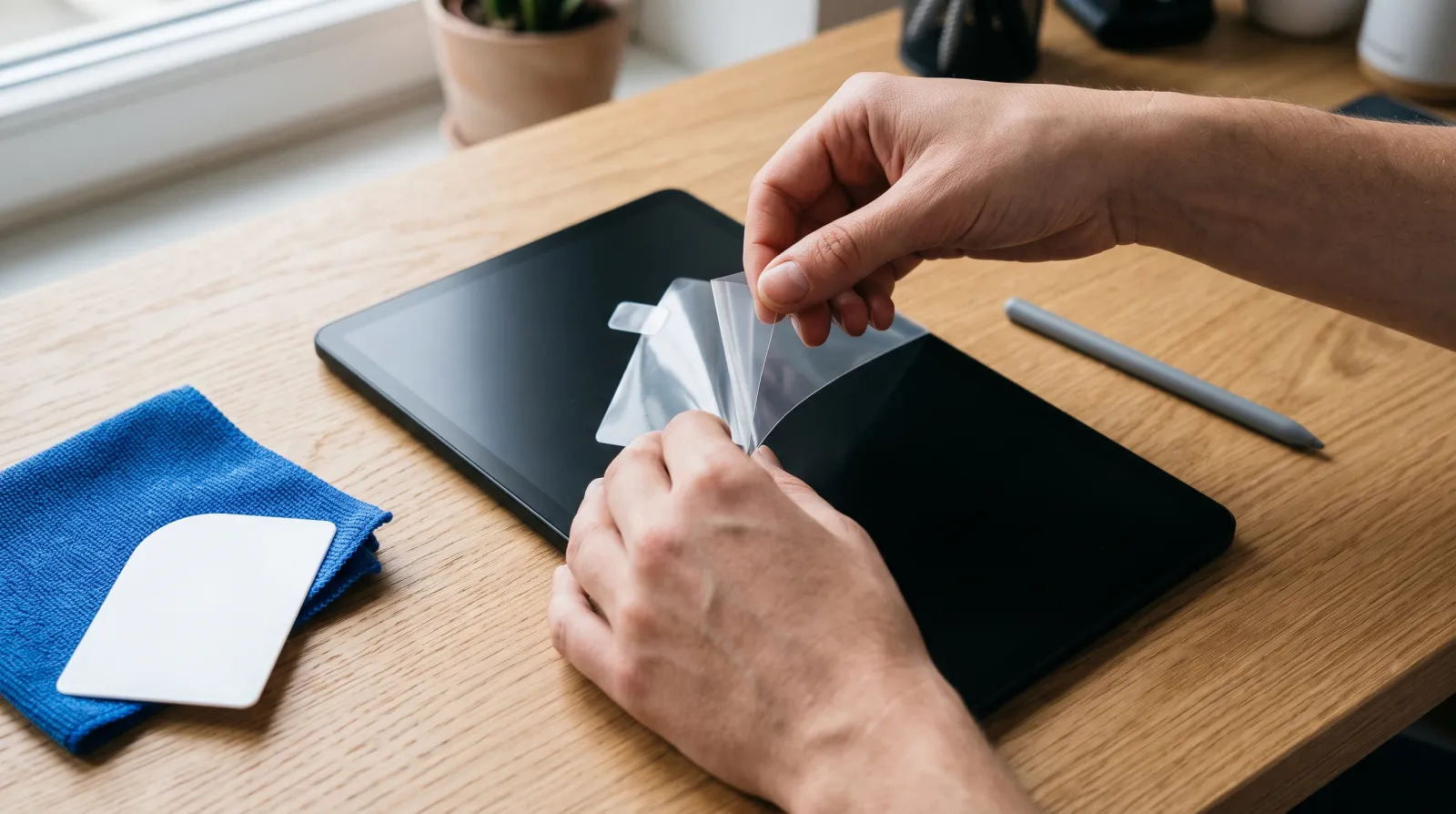
How to install it without bubbles
- Work in a dust-free room. Paperlike’s tip, via Astropad, is a bathroom after a hot shower, when there’s less dust in the air. Turn the tablet off.
- Clean the screen fully. Wipe off fingerprints with a microfiber cloth, then lift any remaining dust with the dust-removal stickers from the kit.
- Line it up before it touches. Use the alignment stickers as a hinge: tape one edge in place, flip the protector back, then peel the backing.
- Lay it down from one edge. Let it fall slowly across the screen while you push air out from the middle with the squeegee.
- Lift dust, don’t trap it. If a speck gets under a film, lift that corner with a sticker, dab the dust off and lay it back down.
Paper-feel films are the hardest to get right, and Astropad warns they generally can’t be removed and re-applied. That’s one more reason to buy a two-pack.
The verdict
If you bought the Nanomatte 12 Pro, don’t cover the screen; use the Folio Cover for protection. On the glossy model, a paper-feel film is the best upgrade if you write with the Pro Pen, a matte film helps if glare is the problem, and tempered glass is for scratch protection only. Buy a two-pack made for the 12 Pro by name, since big-name brands haven’t released one yet.
Frequently asked questions
Does the Alexa Tablet 12 Pro need a screen protector?
Not necessarily. On the Nanomatte model, a protector would cover the etched anti-glare glass you paid about $50 extra for, so most owners should skip it and use a cover for scratch protection. On the standard glossy model it’s optional: add one if you want scratch insurance, less glare, more grip for the Pro Pen, or privacy.
Should I put a screen protector on the Nanomatte 12 Pro?
Usually no. BGR reports the Nanomatte finish is etched into the glass itself, developed with Corning, rather than added as a coating. A glossy glass protector on top would bring back the reflections, and a matte film would add a second layer of diffusion that can soften the image. Use the Folio Cover to protect the screen in a bag instead.
What’s the best screen protector for the Pro Pen?
A paper-feel matte film, if you want the pen to drag a little like a pencil on paper. ViaScreens sells a Paper protector cut for the 12 Pro (about $23 for two, Nov 2026). Expect a slightly duller image and faster pen-tip wear; Astropad notes Apple Pencil users on Paperlike can need new tips every couple of months.
Does a screen protector work with the 12 Pro Folio Cover?
A thin film or glass protector should sit under the cover without trouble, since the Folio snaps on magnetically and its front flap only lies on top of the screen. After you install one, close the cover and check that it still lies flat and still wakes and sleeps the tablet.
Is there a privacy screen protector for the Alexa Tablet 12 Pro?
Yes. ViaScreens lists several privacy protectors cut for the 12 Pro, including a Privacy Quad version (about $74 as of Nov 2026) that blocks side views in both portrait and landscape, narrowing the viewing angle to 30 degrees either side. Its listing rates it low on glare reduction because the finish is glossy.
Sources
This guide is based on published reviews, retailer listings and maker product pages. We have not tested these devices ourselves. Specs and prices were checked on November 26, 2026; check Amazon for today’s price.
- BGR: Alexa Tablet 12 Pro review (display specs, Nanomatte etched with Corning) (opens in a new tab)
- Engadget: Amazon Alexa Tablet 12 Pro review, Nanomatte unit (Oct 15, 2026) (opens in a new tab)
- SlashGear: Alexa Tablet 12 Pro review, standard screen (Nov 18, 2026) (opens in a new tab)
- What Hi-Fi?: Amazon’s Nanomatte tablet display (Oct 27, 2026) (opens in a new tab)
- 9to5Google: Amazon’s new Alexa Tablets, prices and Nanomatte upgrade (Oct 8, 2026) (opens in a new tab)
- Best Buy: Alexa Tablet 12 Pro listing (price checked Nov 26, 2026) (opens in a new tab)
- Best Buy: Alexa Tablet 12 Pro Folio Cover listing (price checked Nov 26, 2026) (opens in a new tab)
- ViaScreens: Alexa Tablet 12 Pro screen protector range (opens in a new tab)
- ViaScreens: Alexa Tablet 12 Pro Paper Screen Protector (opens in a new tab)
- ViaScreens: Alexa Tablet 12 Pro Privacy Quad Screen Protector (opens in a new tab)
- Fintie: Alexa Tablet 12 Pro Slim Trifold Case (opens in a new tab)
- Astropad: Are paper-feel screen protectors worth it? (Jul 17, 2025) (opens in a new tab)