Tablets
Kindle Colorsoft vs iPad mini (2026) for Comics, Magazines and Reading
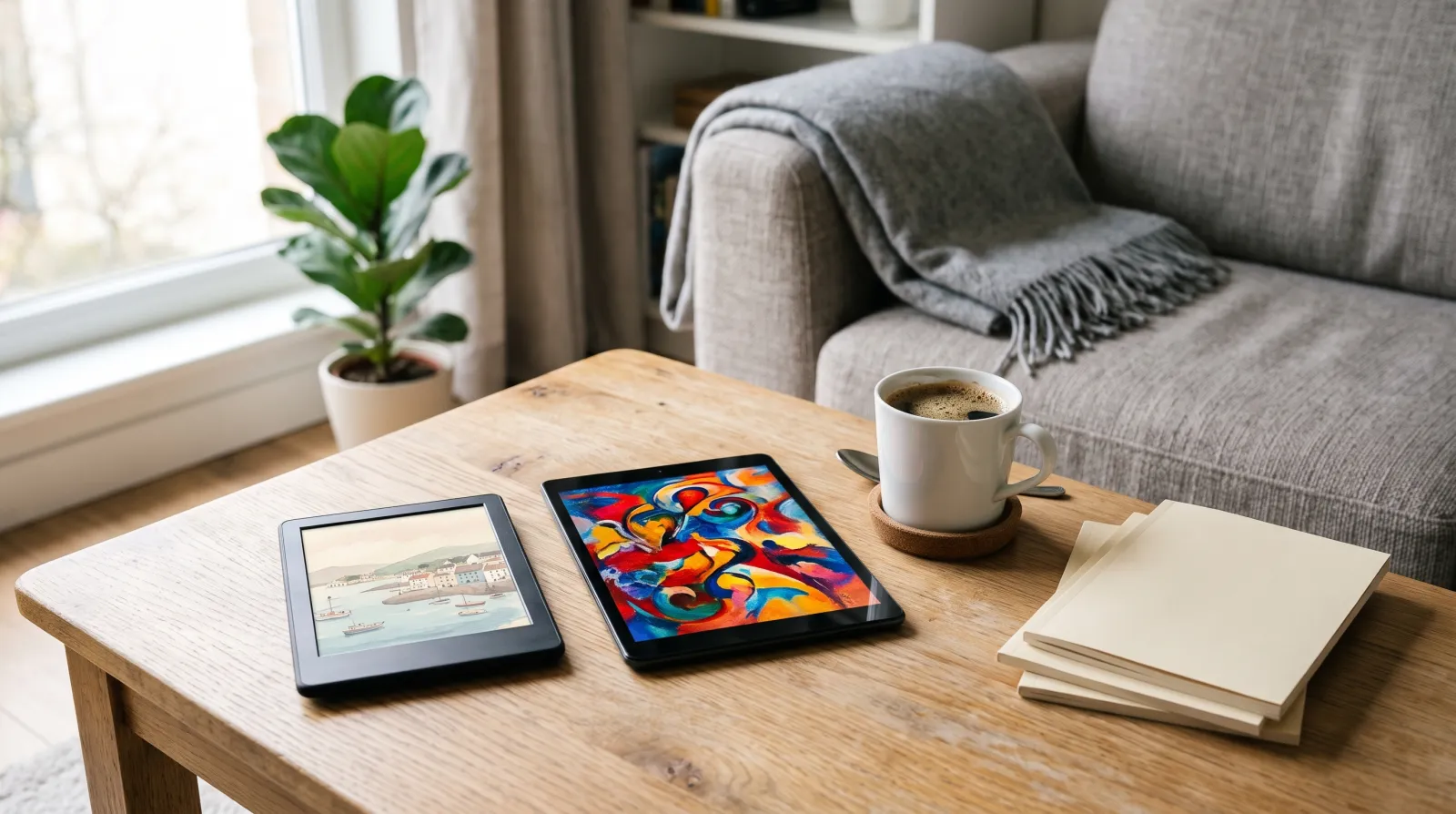
Both are small enough to hold in one hand and both show color. One is a $289.99 paper-like screen that lasts weeks; the other is a $699 OLED tablet that lasts a day. What you read decides which one is worth it.
As an Amazon Associate, Before You Cart earns from qualifying purchases. Read our affiliate disclosure.
The short answer
- Mostly books, manga and some comics, for hours at a time: Kindle Colorsoft (2026), about $289.99, no ads (Nov 2026). Paper-like screen, weeks of battery, muted color.
- Color comics, graphic novels and magazines: iPad mini (2026), from $699 at Apple. Bright OLED color at 326 PPI and every reading app, but about 10 hours of battery.
- Want color E Ink for less: the 2024 Colorsoft was $169.99 as of Nov 19, 2026.
- Reading in bed every night? The Colorsoft is the gentler screen. See eye comfort.
What to look for
This is not a fair fight on paper: one is a $289.99 e-reader and the other a $699 tablet. People compare them because both are small, both show color, and both are sold as the “one-handed” way to read comics and books. Four things decide it:
- How much of your reading is color. Color E Ink is muted and half as sharp as text. OLED color is bright and full resolution.
- Where your books come from. The Colorsoft reads the Kindle store and little else. The iPad mini runs Kindle, Libby and any other reading app.
- How long you read at a time. E Ink is easier on the eyes and lasts weeks. A tablet lasts about a day of use.
- Budget. The iPad mini costs about $410 more at list price, before a case.
If you are choosing between a Kindle and any tablet, our Kindle vs tablet guide covers the basics. Still deciding between color and black-and-white Kindles? See Paperwhite vs Colorsoft.
Kindle Colorsoft vs iPad mini specs (2026 models)
iPad mini specs from Apple’s spec page and launch announcement. Colorsoft price, battery and storage from Best Buy’s listing (checked Nov 26, 2026); screen details from Good e-Reader and Expert Reviews.
| Spec | Kindle Colorsoft (2026) | iPad mini (2026) |
|---|---|---|
| Screen | 7″ color E Ink (Kaleido 3), reflective, front light | 8.5″ OLED, lit, antireflective coating |
| Sharpness | 300 PPI text, 150 PPI color | 326 PPI for everything |
| Color | 4,096 colors, muted (Expert Reviews) | P3 wide color |
| Brightness | Warm front light; page itself is greyer than paper | 600 nits full screen, 1 nit minimum |
| Glare option | None needed (matte E Ink) | Nano-texture glass on 256GB and 512GB models |
| Battery (maker rating) | Up to 8 weeks at 30 min a day (about 28 hours) | Up to 10 hours web or video |
| Weight | 204 g | 255 g (Wi-Fi) |
| Water | Waterproof (Best Buy listing) | IP67, 1 m for 30 minutes |
| Storage | 16GB | 128GB, 256GB, 512GB |
| Apps | Kindle store only | Kindle, Libby and any App Store reading app |
| Ads | None | None |
| List price | $289.99 | $699 (Wi-Fi, 128GB); $849 with cellular |
Scroll sideways to see every column.
The iPad mini runs at 60Hz, not the 120Hz of the iPad Pro (Business Insider). For reading, that only matters when you scroll.
Comics and manga
This is where the two differ most.
- Color quality. Good e-Reader describes the Colorsoft’s color as muted and “newspaper-style.” Expert Reviews says it can’t show fine gradients because the palette is limited to 4,096 tones. The iPad mini’s OLED shows full color with deep blacks at 326 PPI, so splash pages and painted art look as the artist intended.
- Page size. Expert Reviews says the Colorsoft’s 7-inch screen is a bit too small for most adult graphic novels without zooming into panels, and suggests a 10 to 12-inch tablet for them. The iPad mini’s 8.5-inch screen is larger, but still smaller than a printed comic page. If comics are your main use, our best tablet for reading guide covers the 11 to 12-inch options.
- Page turns. On the Colorsoft, pages with color content turn more slowly than plain text (The-eBook-Reader). The iPad turns pages instantly.
- Manga. Most manga is black and white, which the Colorsoft shows at the full 300 PPI. That makes it a good manga reader with color covers and the occasional color page.
Bottom line: the Colorsoft is pleasant for manga, kids’ comics and lighter graphic novels. For full-color superhero comics or detailed art, the iPad mini is clearly better.
Magazines
Magazines favor the iPad mini by a wide margin.
- On the Colorsoft: Good e-Reader notes that magazines on Kindle are mostly found through Kindle Unlimited. Magazine layouts with photos and small print suit E Ink poorly, and the color looks like newsprint.
- On the iPad mini: the Libby app lets you borrow your library’s magazines and subscribe so new issues land on your shelf (Libby Help). Libby runs as an app, which the Colorsoft can’t do. Publisher apps and magazine subscription services also run on iPad.
Apps and stores: Kindle, Comixology, Libby
- Kindle books: both read your Kindle library. On an iPad, the Kindle app has had a “Get Book” button since May 2025 that finishes the purchase in your web browser (TechCrunch). On the Colorsoft you buy directly on the device.
- Comixology: Amazon folded the Comixology app into the Kindle app in December 2023. Your Comixology purchases show up in the Kindle library, which groups series and filters for comics and manga, and Comixology Unlimited, Kindle Unlimited and Prime members can borrow eligible comics there (Comics Beat). That works on both devices.
- Library books (Libby): on the Colorsoft, you borrow in Libby on your phone or computer, then choose Read With, then Kindle; Amazon’s site sends the loan to your Kindle. Libby says this is U.S.-only and works for most Libby books. On the iPad mini, the Libby app reads ebooks directly.
- Other stores: the iPad mini runs other bookstore and comic apps from the App Store. The Colorsoft only reads what comes through Amazon, plus documents you send to it. If store choice matters to you, see our Kindle vs Kobo guide.
Eye comfort and battery
E Ink reflects light like paper, so the Colorsoft has no backlit glare and works in direct sun. Its warm front light covers dark rooms. Our Kindle vs tablet guide covers the research on screen fatigue, so we won’t repeat it here.
The new iPad mini narrows the gap a little. Apple says its OLED dims to 1 nit for reading in bed, and an optional nano-texture glass (256GB and up) cuts reflections. It is still a lit screen you look into, and the nano-texture option raises the price to $899 (Business Insider).
Battery is not close. Amazon rates the Colorsoft at about 28 hours of reading spread over 8 weeks. Apple rates the iPad mini at up to 10 hours of web or video. Good e-Reader found the Colorsoft fell well short of its 8-week rating in real use, but it still outlasts any tablet by days.
Our picks
Kindle Colorsoft (2026)
For: readers of novels, manga and lighter comics who want color covers and highlights on a paper-like screen.
7″ color E Ink, 300 PPI text / 150 PPI color · warm light · waterproof · up to 8 weeks · 204 g · 16GB · no ads · about $289.99 (Nov 2026)
Pros
- No backlit glare; readable in sunlight
- Weeks of battery, not hours
- Your Kindle and Comixology library built in
Cons
- Muted color at half the sharpness of text
- 7-inch screen is small for graphic novels
- Kindle store only; no Libby app or magazine apps
Apple iPad mini (A20 Pro, 2026)
For: readers who want full-color comics, magazines and every reading app in a tablet small enough for one hand.
8.5″ OLED, 326 PPI · 600 nits, 1 nit minimum · IP67 · up to 10 hours · 255 g · from 128GB · from $699 at Apple (Nov 2026)
Pros
- Bright, full-resolution color for comics and art
- Runs Kindle, Libby and any other reading app
- Also a full tablet for video, web and notes
Cons
- About $410 more than the Colorsoft at list price
- Lit screen; harder on the eyes over long sessions
- Charge daily, not monthly
Thinking of a bigger tablet for comics instead? Our best tablet for reading guide compares 11 to 12-inch options, including cheaper Android tablets with the Kindle app.
Deals
- iPad mini (2026): Business Insider reported the base 128GB model on sale for $599 on November 25, 2026, $100 below Apple’s $699 list price. Check the iPad mini price (opens Amazon in a new tab)
- Kindle Colorsoft (2026): not discounted as of November 19, 2026 (The-eBook-Reader).
- Kindle Colorsoft (2024): $169.99, $120 off, as of November 19, 2026 (The-eBook-Reader). Our Paperwhite vs Colorsoft guide explains what changed between the two models. Check the 2024 Colorsoft deal (opens Amazon in a new tab)
Prices change daily, so check the listing before you buy.
The verdict
Buy the Kindle Colorsoft if you read for hours, mostly books and manga, and want color as a bonus: it is gentler on the eyes, lasts weeks and costs far less. Buy the iPad mini if full-color comics, graphic novels or magazines are the main reason you want a color screen, or if you need Libby’s app and other stores. If comics are all you read, a larger tablet may serve you better than either.
Frequently asked questions
Is the Kindle Colorsoft or the iPad mini better for comics?
The iPad mini, if color and detail matter most. Its 8.5-inch OLED screen shows full, bright color at 326 PPI, while the Colorsoft shows muted color at 150 PPI on a 7-inch screen. Expert Reviews says the Colorsoft is a bit small for adult graphic novels without zooming into panels. The Colorsoft wins on eye comfort, weight per dollar and battery, and suits manga and lighter comic reading.
Can I read Comixology comics on a Kindle Colorsoft?
Yes. Amazon merged the Comixology app into the Kindle app in December 2023, and Comixology purchases appear in your Kindle library (Comics Beat). Members of Comixology Unlimited, Kindle Unlimited or Prime can borrow eligible comics there. The same library opens in the Kindle app on an iPad mini.
Can I read magazines on a Kindle Colorsoft?
Only in a limited way. Good e-Reader notes that magazines on Kindle are mostly found through Kindle Unlimited, and the color is muted, newspaper-style. Libby’s library magazines open in the Libby app, which a Kindle can’t run. For magazines, the iPad mini is the better tool.
Which is easier on the eyes, the Colorsoft or the iPad mini?
The Colorsoft. E Ink reflects room light like paper, with an optional front light, so there is no backlit glare. The iPad mini’s OLED screen does dim down to 1 nit for reading in bed (Apple), and an optional nano-texture glass cuts glare, but it is still a lit screen. Our Kindle vs tablet guide covers the eye-strain research.
How long does the battery last on each?
Amazon rates the 2026 Colorsoft at up to 8 weeks, based on half an hour of reading a day with Wi-Fi off, which is about 28 hours of reading (Expert Reviews). Apple rates the iPad mini at up to 10 hours of web browsing or video. Good e-Reader found the Colorsoft’s real-world battery life fell well short of 8 weeks in its use.
Can I borrow library books on both?
Yes, in the US. On the Colorsoft, you borrow in Libby and tap Read With, then Kindle, which sends most Libby books to your Kindle through Amazon’s site; this is U.S.-only (Libby Help). On the iPad mini, the Libby app itself reads ebooks, audiobooks and magazines.
Sources
This guide is based on maker specifications, retailer listings, help pages and published reviews. We have not tested these devices ourselves. Specs and prices were checked on November 26, 2026; check Amazon for today’s price.
- Apple: iPad mini (A20 Pro) technical specifications (checked Nov 26, 2026) (opens in a new tab)
- Apple Newsroom: Apple gives iPad mini its biggest update ever (Oct 2026), pricing and display details (opens in a new tab)
- Business Insider: 2026 iPad mini review (Nov 25, 2026) (opens in a new tab)
- PhoneArena: iPad mini 2026 price, specs and features (opens in a new tab)
- Best Buy: Kindle Colorsoft 16GB (2026 release) listing (checked Nov 26, 2026) (opens in a new tab)
- Good e-Reader: Amazon Kindle Colorsoft 2026 review (Nov 16, 2026) (opens in a new tab)
- Expert Reviews: Kindle Colorsoft (2026) review (Nov 12, 2026) (opens in a new tab)
- The-eBook-Reader: 2026 Kindle Colorsoft vs Kindle Paperwhite comparison review (Nov 6, 2026) (opens in a new tab)
- The-eBook-Reader: Black Friday Kindle sales for 2026 (Nov 19, 2026) (opens in a new tab)
- Comics Beat: Comixology app merges into the Kindle app (Nov 2023) (opens in a new tab)
- TechCrunch: Kindle iOS app adds a “Get Book” button (May 6, 2025) (opens in a new tab)
- Libby Help: Reading Kindle Books on a Kindle ereader (U.S. only) (opens in a new tab)
- Libby Help: Subscribing to magazines (opens in a new tab)