Tablets
Best microSD Card for Fire and Alexa Tablets (2026)
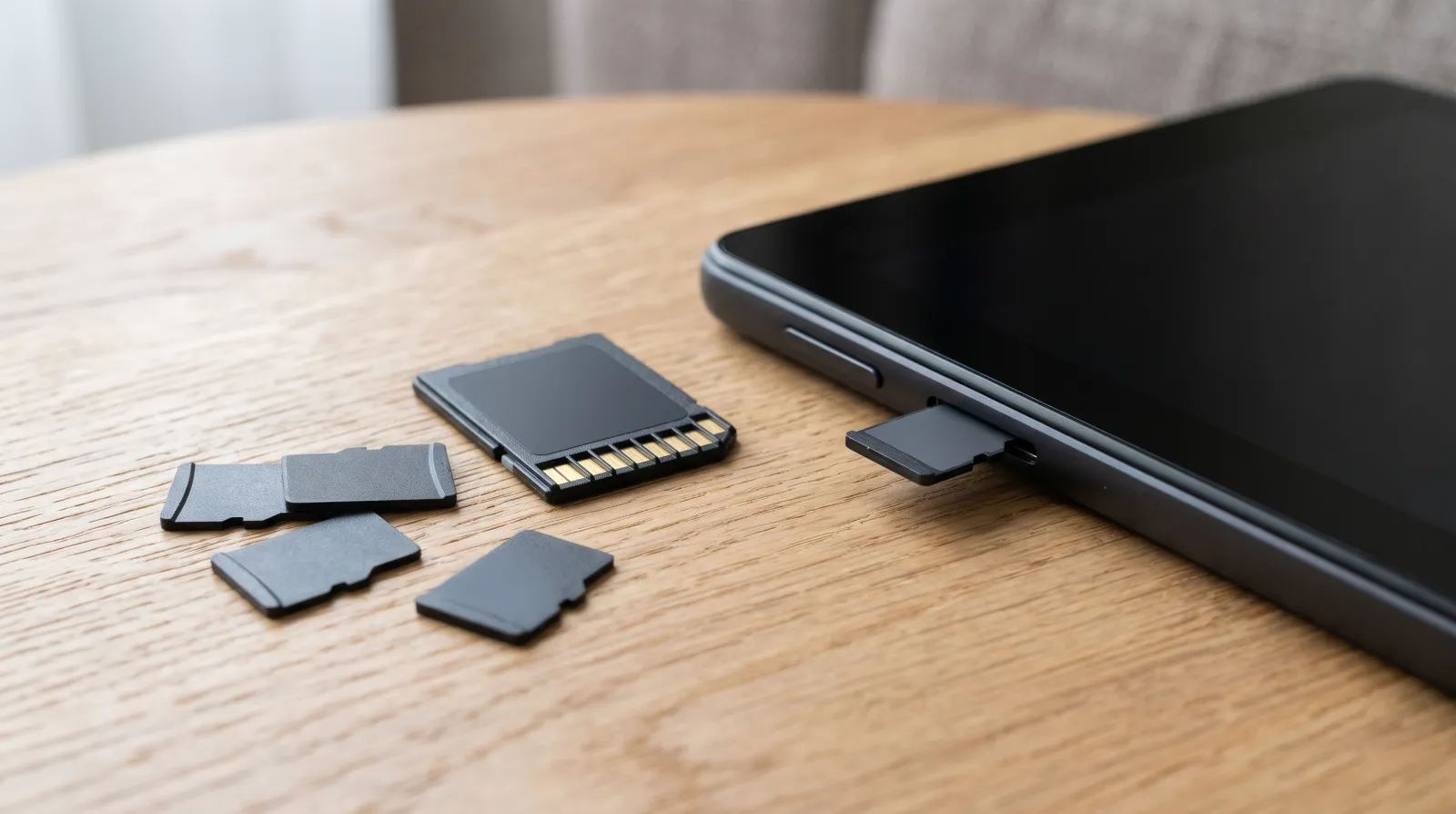
The new 2026 Alexa Tablets and Kids Tablets have no microSD slot, so don’t buy a card for them. Older Fire HD 8, Fire HD 10 and Fire Max 11 tablets take cards up to 1TB. Here’s which card to buy and how to set it up.
As an Amazon Associate, Before You Cart earns from qualifying purchases. Read our affiliate disclosure.
The short answer
- Own a 2026 Alexa Tablet or Kids Tablet? It has no microSD slot, so don’t buy a card. See what to do instead.
- Own a Fire HD 8, Fire HD 10 or Fire Max 11? They take microSD cards up to 1TB.
- Best card for most Fire tablets: Samsung EVO Select (U3, V30, A2) in 128GB or 256GB.
- For apps on the card: SanDisk Extreme (A2). For books and movies on a budget: SanDisk Ultra (A1).
Which Amazon tablets take a microSD card
Amazon replaced its Fire tablets with the Alexa Tablets in October 2026, and dropped the card slot. Amazon’s developer specifications list external storage as “n/a” for every 2026 model, and BGR and Notebookcheck’s Alexa Tablet 8 review both note there is no microSD slot. The older Fire tablets that many people still use do have one.
| Tablet | Built-in storage | microSD slot |
|---|---|---|
| Alexa Tablet 8 (2026) | 64GB or 128GB | No |
| Alexa Tablet 11 (2026) | 64GB or 128GB | No |
| Alexa Tablet 12 Pro (2026) | 128GB or 256GB | No |
| Amazon Kids Tablet 8 (2026) | 64GB or 128GB | No |
| Amazon Kids Tablet 11 (2026) | 64GB or 128GB | No |
| Fire Max 11 (2023) | 64GB or 128GB | Yes, up to 1TB |
| Fire HD 10 (2023) | 32GB or 64GB | Yes, up to 1TB |
| Fire HD 10 (2021) | 32GB or 64GB | Yes, up to 1TB |
| Fire HD 8 (recent models) | Check your model | Yes, up to 1TB |
Scroll sideways to see every column.
2026 models are from Amazon’s developer specifications. Fire HD 10 and Max 11 limits are from Liliputing’s spec table; the Fire HD 8 limit is from Android Authority and BGR. Older Fire tablets may have lower limits; check the spec sheet for your exact model before buying a card larger than 256GB.
What to look for: A1, A2, U3 and V30
microSD packaging is covered in small logos. Only a few matter for a tablet:
- A1 or A2 (app performance): these ratings measure random reads and writes, which is what apps do. The SD Association sets minimums of 1,500 read and 500 write operations per second for A1, and 4,000 and 2,000 for A2. The SD Association says A2 performance needs both an A2 card and a device that supports A2, and Amazon doesn’t say whether Fire tablets do. If you’ll install apps on the card, buy at least A1.
- U3 and V30 (minimum write speed): these are video-recording ratings. V30 means at least 30MB/s of sustained writing, and the SD Association treats U3 and V30 as suitable for 4K cameras. A tablet doesn’t record to the card that hard, so any U3/V30 card is plenty; it mainly helps when copying big movie files.
- Capacity: 128GB or 256GB suits most people. The Fire HD 8, HD 10 and Max 11 accept up to 1TB, so skip 1.5TB and 2TB cards.
- Brand: stick to established card makers such as SanDisk and Samsung, sold by Amazon itself or the maker’s own store.
- Read speed (“up to 180MB/s”): Samsung’s data sheets note that its top speeds are reached with Samsung’s own card reader. Don’t pay extra just for the headline number.
The best microSD cards for Fire tablets
Samsung EVO Select microSDXC (2024)
For: Fire HD 8, HD 10 and Max 11 owners who want one card for books, movies, music and apps.
U3 · V30 · A2 · up to 160MB/s read · 64GB to 1TB · 10-year limited warranty · Samsung lists the 256GB at $72.99 (Nov 26, 2026)
Pros
- A2, U3 and V30 in one card
- Full range of sizes up to the Fire limit of 1TB
- Long 10-year limited warranty
Cons
- Samsung’s own store showed it out of stock (Nov 26, 2026)
- Warranty excludes dashcam and security-camera use
SanDisk Extreme microSDXC UHS-I
For: anyone setting the card up as extra tablet storage to install apps and games on it.
U3 · V30 · A2 · up to 190MB/s read · 32GB to 2TB (buy 1TB or smaller for a Fire tablet) · lifetime limited warranty
Pros
- A2-rated for app use
- Lifetime limited warranty
- Write speeds up to 130MB/s on 256GB and larger
Cons
- Sizes run past the 1TB Fire tablet limit; pick carefully
- Write speed is lower on the 128GB size (up to 90MB/s)
SanDisk Ultra microSD
For: storing Kindle books, downloaded shows, music and photos when you don’t plan to run apps from the card.
A1 · up to 150MB/s read (256GB and up) · 16GB to 1.5TB (buy 1TB or smaller for a Fire tablet) · 10-year limited warranty
Pros
- Wide range of sizes
- A1-rated, fine for occasional apps
- 10-year limited warranty
Cons
- A1 only; slower for apps than A2 cards
- SanDisk’s page doesn’t list a video speed class
Samsung PRO Plus microSDXC (2024)
For: a step-up Samsung card when the EVO Select isn’t in stock.
U3 · V30 · A2 · up to 180MB/s read with Samsung’s reader · 128GB to 1TB
Pros
- A2, U3 and V30
- Sizes stop at 1TB, the Fire tablet limit
Cons
- Starts at 128GB; no smaller sizes
- Its top read speed needs Samsung’s card reader
What you can and can’t move to the card
On Fire tablets running Fire OS 7.3 and Fire OS 8, inserting a card gives you two choices, according to Liliputing’s step-by-step guide:
| Portable storage | Extra tablet storage (internal) | |
|---|---|---|
| Books, movies, music, photos, files | Yes | Yes |
| Install apps on the card | No | Yes, for apps that support it |
| Remove the card and use it elsewhere | Yes | No: apps on it stop working and Amazon advises against removing it |
| Card erased when you set it up | Yes, it is formatted | Yes, it is formatted |
Scroll sideways to see every column.
- Can go on the card: Liliputing lists settings for sending movies and TV shows, music, personal photos and videos, audiobooks, and books and periodicals to the card.
- Apps: only with extra tablet storage. The “move content” step after setup moves books, photos, videos and documents, not installed apps; you move apps one by one in Settings. Liliputing notes some apps aren’t designed to run from external storage and won’t move.
- Back up first: both setup options format the card, which erases what’s on it.
Which to choose: for a kid’s tablet full of apps and games, extra tablet storage frees the most space. If you want to load movies from a computer or swap the card between devices, choose portable storage.
Alexa Tablet owners: what to do instead
If you have, or are about to buy, a 2026 Alexa Tablet or Kids Tablet, a microSD card won’t help. Your options:
- Buy the bigger storage model. The Strategist recommends the 128GB Alexa Tablet 11 for this reason. On the Alexa Tablet 8, Notebookcheck found the 64GB version’s eMMC storage “very slow” and recommends the 128GB model, which uses faster UFS 3.1 storage.
- Stream instead of downloading, and delete shows after you watch them.
- Use cloud storage for photos and documents.
- USB-C drives: the Alexa Tablets have a USB-C port with USB 2.0 data (Liliputing), but Amazon doesn’t say whether USB flash drives are supported. We couldn’t confirm it, so check before you buy one for this purpose.
- Need a card slot? Samsung’s Galaxy Tab S10 FE takes microSD; see our Alexa Tablet 11 vs Tab S10 FE comparison.
Still using a Fire tablet and wondering whether to upgrade? Our discontinued Fire tablet guide covers what Amazon said about support and what to buy.
The verdict
For a Fire HD 8, Fire HD 10 or Fire Max 11, buy a Samsung EVO Select in 128GB or 256GB and set it up as extra tablet storage if you want apps on it, or portable storage if you only need room for books and movies. Choose the SanDisk Extreme if apps are the main reason, and the SanDisk Ultra to save money on a media-only card. Stay at 1TB or below. For any 2026 Alexa Tablet or Kids Tablet, skip the card and buy the larger storage model instead.
Frequently asked questions
Does the Alexa Tablet 11 have a microSD slot?
No. Amazon’s developer specifications list no external storage for the Alexa Tablet 8, Alexa Tablet 11, Alexa Tablet 12 Pro, Kids Tablet 8 or Kids Tablet 11, all released in 2026. BGR and Notebookcheck confirm there is no microSD slot. Pick the larger storage option when you buy.
What is the biggest microSD card a Fire HD 10 can use?
Up to 1TB on the Fire HD 10 (2021) and Fire HD 10 (2023), per Liliputing’s spec comparison. The Fire Max 11 (2023) and the recent Fire HD 8 also take cards up to 1TB.
Do I need an A2 card for a Fire tablet?
Not necessarily. A1 is enough for books, music and movies. If you plan to install apps on the card, an A2 card is a safe choice, but the SD Association says A2 performance is only available when both the card and the device support A2. Amazon doesn’t say whether Fire tablets do.
Can I move apps to the SD card on a Fire tablet?
On Fire OS 7.3 and Fire OS 8, yes, if you set the card up as extra tablet storage (internal storage). Liliputing notes some apps aren’t designed to run from external storage and won’t move, and apps on the card stop working if you remove it.
Is a 1.5TB or 2TB microSD card OK for a Fire tablet?
The Fire HD 8, HD 10 and Max 11 specs list support up to 1TB, so stick to 1TB or smaller. Larger cards aren’t listed as supported.
Sources
This guide is based on Amazon’s developer specifications, the SD Association, card makers’ spec pages and published reviews and how-to guides. We have not tested these devices ourselves. Specs and prices were checked on November 26, 2026; check Amazon for today’s price.
- Amazon Developer: Alexa Tablet 8 device specifications (external storage: n/a) (opens in a new tab)
- Amazon Developer: Alexa Tablet 11 device specifications (external storage: n/a) (opens in a new tab)
- Amazon Developer: Alexa Tablet 12 Pro device specifications (external storage: n/a) (opens in a new tab)
- Amazon Developer: Amazon Kids Tablet 8 device specifications (external storage: n/a) (opens in a new tab)
- Amazon Developer: Amazon Kids Tablet 11 device specifications (external storage: n/a) (opens in a new tab)
- BGR: 4 big problems users are having with the new Alexa Tablets (Nov 16, 2026) (opens in a new tab)
- Notebookcheck: Amazon Alexa Tablet 8 review (Nov 17, 2026) (opens in a new tab)
- The Strategist: The best tablets (updated Nov 24, 2026) (opens in a new tab)
- Liliputing: Amazon Alexa Tablets specs (updated Oct 29, 2026) (opens in a new tab)
- Liliputing: Fire HD 10 (2023) vs Fire HD 10 (2021) vs Fire Max 11 specs (opens in a new tab)
- Android Authority: Fire HD 8, HD 10 and Max 11 compared (Oct 1, 2025) (opens in a new tab)
- Liliputing: How to use an SD card with Amazon’s Fire tablets (Fire OS 7.3 and 8) (opens in a new tab)
- SD Association: Application Performance Class (A1, A2) (opens in a new tab)
- SD Association: Speed Class, UHS Speed Class and Video Speed Class (opens in a new tab)
- Samsung: EVO Select microSDXC (2024) specs and list prices (checked Nov 26, 2026) (opens in a new tab)
- Samsung: microSD PRO Plus (2024) data sheet (opens in a new tab)
- SanDisk: Extreme microSDXC UHS-I specs (checked Nov 26, 2026) (opens in a new tab)
- SanDisk: Ultra microSD specs (checked Nov 26, 2026) (opens in a new tab)