Tablets
Best Headphones for Kindle (2026): Bluetooth Picks for Audible and VoiceView
Every current Kindle needs Bluetooth to make a sound. Here’s which models play Audible audiobooks, what VoiceView needs from your headphones, how to pair them without a fight, and the earbuds, headphones and speakers worth buying at each price.
As an Amazon Associate, Before You Cart earns from qualifying purchases. Read our affiliate disclosure.
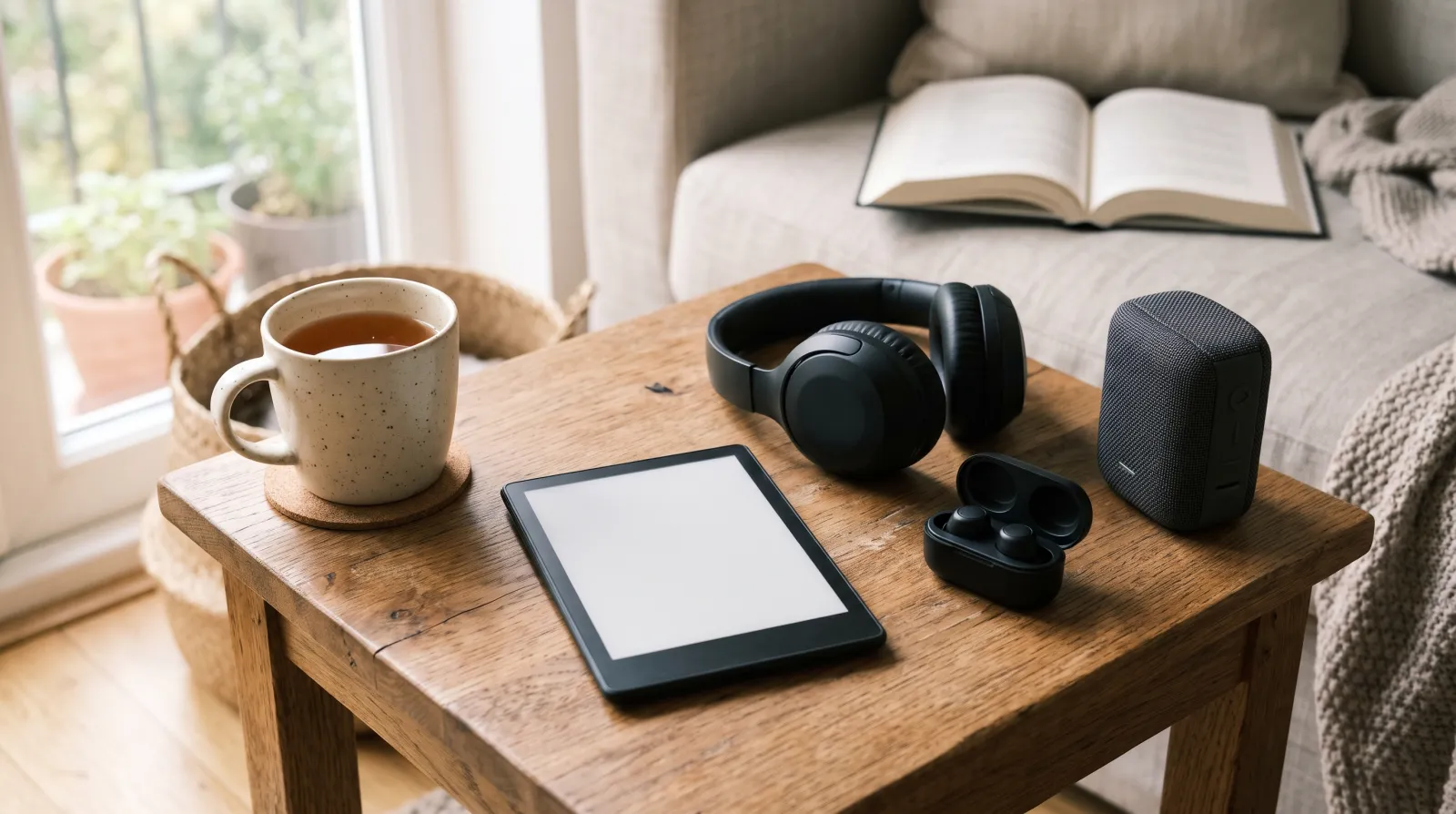
The short answer
- You need Bluetooth. Kindles have no headphone jack and no speaker. Wired headphones won’t work.
- Cheapest that works: JLab GO Air Pop earbuds (about $15 at Target, Nov 26, 2026).
- Best for most listeners: Sony WH-CH520, up to 50 hours per charge (about $50 at Best Buy, Nov 26, 2026).
- Listening in bed: Soundcore Sleep A20 side-sleeper earbuds.
- No headphones at all: a small Bluetooth speaker works for Audible and VoiceView too.
Which Kindles play audio
Amazon added Bluetooth to Kindles in 2016, and since then audio only comes out over Bluetooth. Engadget lists three uses for it in 2026: audiobooks, read-aloud through VoiceView, and other accessibility features.
| Kindle | Audible audiobooks | VoiceView screen reader | How you hear it |
|---|---|---|---|
| Kindle, Paperwhite, Colorsoft (2024 and 2026) | Yes | Yes | Bluetooth only |
| Kindle Scribe and Scribe Colorsoft | Yes (Scribe family on Audible’s list) | Yes | Bluetooth only |
| Kindle 8th gen and later, Paperwhite 10th gen and later, Oasis | Yes | Yes | Bluetooth only |
| Paperwhite 7th gen and earlier, Kindle Voyage | No | Only with Amazon’s old Kindle Audio Adapter (discontinued) | USB adapter |
Scroll sideways to see every column.
Audible support is from DocumentaryTube’s summary of Audible’s compatibility list (updated August 18, 2026); the adapter detail is from CastReader and PCWorld. Three limits to know before you buy:
- Audible only. A Kindle plays audiobooks from Audible. It won’t play MP3s or podcasts you copy onto it.
- No read-along. E Ink Kindles don’t do Immersion Reading, where the text highlights as the narrator reads. That’s only in the Kindle app on phones, tablets and Fire tablets.
- Battery. Playing audio drains a Kindle faster than reading, as PCWorld noted. Expect to charge more often; our Kindle charger guide covers what to buy, since new Kindles ship without a cable.
What to look for
- Battery life per charge. Headphones that last days between charges are less hassle than earbuds that need the case every few hours.
- Comfort for how you listen. In bed, choose flat sleep earbuds. On walks, open-ear headphones keep you aware of traffic. At home, a speaker means nothing on your head at all.
- Multipoint. Headphones that hold two connections at once, such as the Sony WH-CH520, can stay paired to your phone and your Kindle. Without it, they may grab your phone first, and SlashGear’s first fix for pairing trouble is to disconnect from the phone.
- Simple buttons. For VoiceView users or older readers, physical buttons are easier than touch controls you trigger by accident.
- Volume limits for kids. Buying for a child’s Kindle? Get volume-limited headphones instead; see our kids headphones guide.
Best headphones and speakers for Kindle
These are established Bluetooth models from big brands. Specs and prices are from Target and Best Buy listings checked November 26, 2026, the day before Black Friday, so several are on sale.
Sony WH-CH520 Wireless Headphones
For: long audiobooks at home, and VoiceView users who want headphones that rarely need charging.
On-ear · Bluetooth 5.2 · up to 50 hours per charge · 3-minute charge gives up to 1.5 hours · multipoint (two devices at once) · about 5.2 oz · USB-C · no noise cancelling · about $49.99 at Best Buy, regularly $68 (Nov 26, 2026)
Pros
- Weeks of listening between charges for most people
- Stays paired to a phone and a Kindle at once
- Physical buttons
Cons
- On-ear rather than over-ear
- No noise cancelling
JLab GO Air Pop True Wireless Earbuds
For: a first pair to try Audible on a Kindle, or a spare pair for a bag.
True wireless earbuds · 8+ hours in the earbuds, 35+ hours with the case · IPX4 sweat and splash resistance · Dual Connect, so either earbud works alone · EQ settings in the JLab app · about $14.99 at Target (Nov 26, 2026)
Pros
- Very low price
- Use one earbud and keep the other ear free
- Case holds about three more charges
Cons
- Touch controls, not physical buttons
- 8 hours per charge in the earbuds
Soundcore Sleep A20 by Anker
For: falling asleep to an audiobook, especially side sleepers.
Sleep earbuds · Bluetooth 5.3 for streaming audiobooks · 10 hours per charge streaming (55 with the case); 14 hours in sleep-sound mode · soft side-sleeper shape · passive noise blocking, no ANC, no microphone · about $99.99 at Best Buy (Nov 26, 2026)
Pros
- Shaped to lie on without pressure
- Streams from any Bluetooth device, including a Kindle
- Built-in noise-masking sounds for sleep
Cons
- No microphone, so not for phone calls
- Costs more than regular earbuds
Shokz OpenMove Open-Ear Headphones
For: listening on walks or around the house while still hearing traffic, doorbells and people.
Bone conduction, open-ear · Bluetooth 5.1 · 6 hours per charge · 29 g · IP55 · USB-C · 33 ft range · about $54.99 at Best Buy, regularly $79.99 (Nov 26, 2026)
Pros
- Nothing in or over your ears
- Light enough to forget you’re wearing them
- Sweat resistant
Cons
- Only 6 hours per charge
- Neckband style, not earbuds
Sony WH-1000XM6 Noise Cancelling Headphones
For: frequent flyers and commuters who want to hear the narrator over engine noise.
Over-ear · active noise cancelling · Bluetooth 5.3 · up to 30 hours with noise cancelling on · 3-minute charge gives up to 3 hours · about 254 g · foldable · headphone cable included · about $348 at Best Buy (Nov 26, 2026)
Pros
- Noise cancelling makes quiet narration easy to hear
- Folds for travel
- Cable for plane seat-back screens too
Cons
- Expensive for audiobooks alone
- The cable doesn’t help with a Kindle, which has no jack
JBL Go 5 Portable Bluetooth Speaker
For: readers who don’t like headphones, or anyone sharing an audiobook in the kitchen or car.
Small portable speaker · up to 8 hours, plus about 2 more with Playtime Boost · IP68 waterproof and dustproof · USB-C · about $39.95 at Best Buy, regularly $54.95 (Nov 26, 2026)
Pros
- Nothing to wear
- Waterproof, fine in a kitchen or bathroom
- Small enough for a bag
Cons
- Everyone in the room hears the book
- Shorter battery life than the headphones above
How to pair, and what to do when it won’t
- Download the audiobook first. Engadget’s route: go to Library, then Downloaded, select the audiobook and press Play. The Kindle asks you to choose a Bluetooth device.
- Or pair from Settings. Open Settings, then Wi-Fi & Bluetooth, then Bluetooth Devices. Put the headphones in pairing mode close to the Kindle and tap their name. If they don’t show up, tap Rescan (PCWorld).
- Turn off Airplane Mode. Bluetooth won’t work while it’s on.
- Set the volume. Use the Quick Actions panel (tap the arrow at the top of the screen) or the headphone buttons.
Still not connecting? SlashGear’s checklist, in order:
- Disconnect the headphones from your phone or computer. Many pairs reconnect to the last device they used.
- Move away from other Bluetooth devices that may interfere.
- Restart both the Kindle and the headphones.
- Update the Kindle’s software.
- Forget the headphones on the Kindle and pair again from scratch.
No sound once connected? DocumentaryTube suggests re-pairing, raising the volume on both the Kindle and the headphones, and charging the headphones. If the audiobook doesn’t show a Listen option, check that the Kindle and Audible are on the same Amazon account.
VoiceView: what it needs from your headphones
VoiceView is the Kindle’s screen reader for blind and low-vision readers. It reads menus, buttons and book text aloud in a synthetic voice, in six languages per CastReader. It isn’t an audiobook narrator, and you control it with gestures; The-eBook-Reader counted 18 of them.
- The connection is the on/off switch. The-eBook-Reader reports that once a device is paired, turning it on starts VoiceView and turning it off stops it. Headphones that drop the connection or auto-switch to a phone interrupt reading.
- Reconnecting can be fiddly. A blind reader quoted by The-eBook-Reader said VoiceView doesn’t always start when the headphones switch on, and pressing the Kindle’s power button three times got it going.
- Pick for reliability over sound. Long battery life and physical buttons matter more than audio quality for a synthetic voice. The Sony WH-CH520 or a speaker like the JBL Go 5 is a good fit.
- Read-aloud with highlighting (Assistive Reader) is a different feature. CastReader places it in the Kindle app on phones, tablets and Mac; Engadget describes it on Kindles too. Check your own Kindle’s settings before buying for it.
Choosing a Kindle for someone with low vision? Our Kindle for seniors guide covers screen size, bold text and the rest of the accessibility settings. If they also struggle with tapping the screen, a page-turn remote helps.
The verdict
A Kindle only makes sound over Bluetooth, so any decent Bluetooth headphones will do. For most listeners, the Sony WH-CH520 is the pick: up to 50 hours per charge and it stays paired to both your phone and your Kindle. On a tight budget, the JLab GO Air Pop works for about $15. For bedtime listening, get the Soundcore Sleep A20; for walks, the Shokz OpenMove; and if you’d rather not wear anything, a JBL Go 5 speaker. Still choosing a Kindle? See our best Kindle guide.
Frequently asked questions
Does a Kindle have a headphone jack or speaker?
No. Current E Ink Kindles, including the Kindle, Paperwhite, Colorsoft and Scribe, have no speaker and no headphone jack. To hear an audiobook or VoiceView, you pair Bluetooth headphones, earbuds or a Bluetooth speaker. Wired headphones won’t work.
Which Kindles can play Audible audiobooks?
Kindles with Bluetooth, which means models released in 2016 or later. Coverage of Audible’s compatibility list (updated August 2026) includes the Kindle from the 8th generation on, the Paperwhite from the 10th generation on, the Oasis from the 8th generation on, and the Scribe and Colorsoft families. Kindles play Audible titles only, not audio files you copy over.
Do any Bluetooth headphones work with a Kindle?
Ordinary Bluetooth headphones, earbuds and speakers from established brands pair with a Kindle the same way they pair with a phone. Bluetooth hearing aids and special formats weren’t covered by the sources we used, so check before you rely on them. If a pair won’t connect, disconnect it from your phone first, then put it back in pairing mode and rescan.
How do I connect headphones to my Kindle?
Put the headphones in pairing mode near the Kindle. On the Kindle, open Settings, then Wi-Fi & Bluetooth, then Bluetooth Devices, and pick your headphones from the list. You can also start an audiobook from your library and press Play; the Kindle then asks you to pick a Bluetooth device. Volume is in the Quick Actions panel.
What headphones are best for VoiceView on a Kindle?
A pair that reconnects reliably and lasts a long time per charge. VoiceView starts and stops with the Bluetooth connection, so headphones that drop the link or switch to a phone are a problem. Over-ear headphones with long battery life, such as the Sony WH-CH520 (up to 50 hours), are a sensible choice. A Bluetooth speaker also works.
Can a Kindle read a book aloud without Audible?
Yes, through VoiceView, the built-in screen reader, which reads menus and book text in a synthetic voice over Bluetooth. It’s meant for blind and low-vision readers and works by gestures, so it’s not as easy as an audiobook. CastReader lists six languages: English, French, German, Italian, Portuguese and Spanish.
Sources
This guide is based on published Kindle guides and reviews, Audible compatibility coverage, and retailer listings for each product. We have not tested these devices ourselves. Specs and prices were checked on November 26, 2026; check Amazon for today’s price.
- Engadget: Why does your Kindle even have Bluetooth? (Aug 29, 2026) (opens in a new tab)
- CastReader: Which Kindle has text to speech? VoiceView, Bluetooth and Assistive Reader (reviewed Nov 10, 2026) (opens in a new tab)
- DocumentaryTube: How to put Audible on a Kindle, compatibility, setup and fixes (Sep 12, 2026) (opens in a new tab)
- The-eBook-Reader: Why is text-to-speech so difficult to use on Kindles? (Jan 22, 2024) (opens in a new tab)
- The-eBook-Reader: List of Kindles that support audiobooks (Feb 7, 2020) (opens in a new tab)
- SlashGear: How to connect Bluetooth headphones to your Kindle (Sep 15, 2023) (opens in a new tab)
- PCWorld: How to listen to audiobooks with an Amazon Kindle (Aug 31, 2018) (opens in a new tab)
- Target: JLab GO Air Pop listing and price (checked Nov 26, 2026) (opens in a new tab)
- Best Buy: Sony WH-CH520 listing, specs and price (checked Nov 26, 2026) (opens in a new tab)
- Best Buy: Shokz OpenMove listing, specs and price (checked Nov 26, 2026) (opens in a new tab)
- Best Buy: Soundcore Sleep A20 listing, specs and price (checked Nov 26, 2026) (opens in a new tab)
- Best Buy: Sony WH-1000XM6 listing, specs and price (checked Nov 26, 2026) (opens in a new tab)
- Best Buy: JBL Go 5 listing, specs and price (checked Nov 26, 2026) (opens in a new tab)