Home Office
Best Monitor Arm in 2026: Single, Dual, Ultrawide and Budget Picks
A monitor arm lifts your screen to the right height and distance, frees up desk space and lets you push the screen out of the way. The catch is fit: the arm has to match your monitor’s weight, mounting holes and desk. Here’s what to buy.
As an Amazon Associate, Before You Cart earns from qualifying purchases. Read our affiliate disclosure.
The short answer
- Best overall: Ergotron LX Pro, PCWorld’s best single arm, $199 at Ergotron (Nov 2026).
- Best value: BenQ Ergo Arm, Wired’s top pick, holds up to 44 lb.
- Best budget: Huanuo HNSS6, about $39.
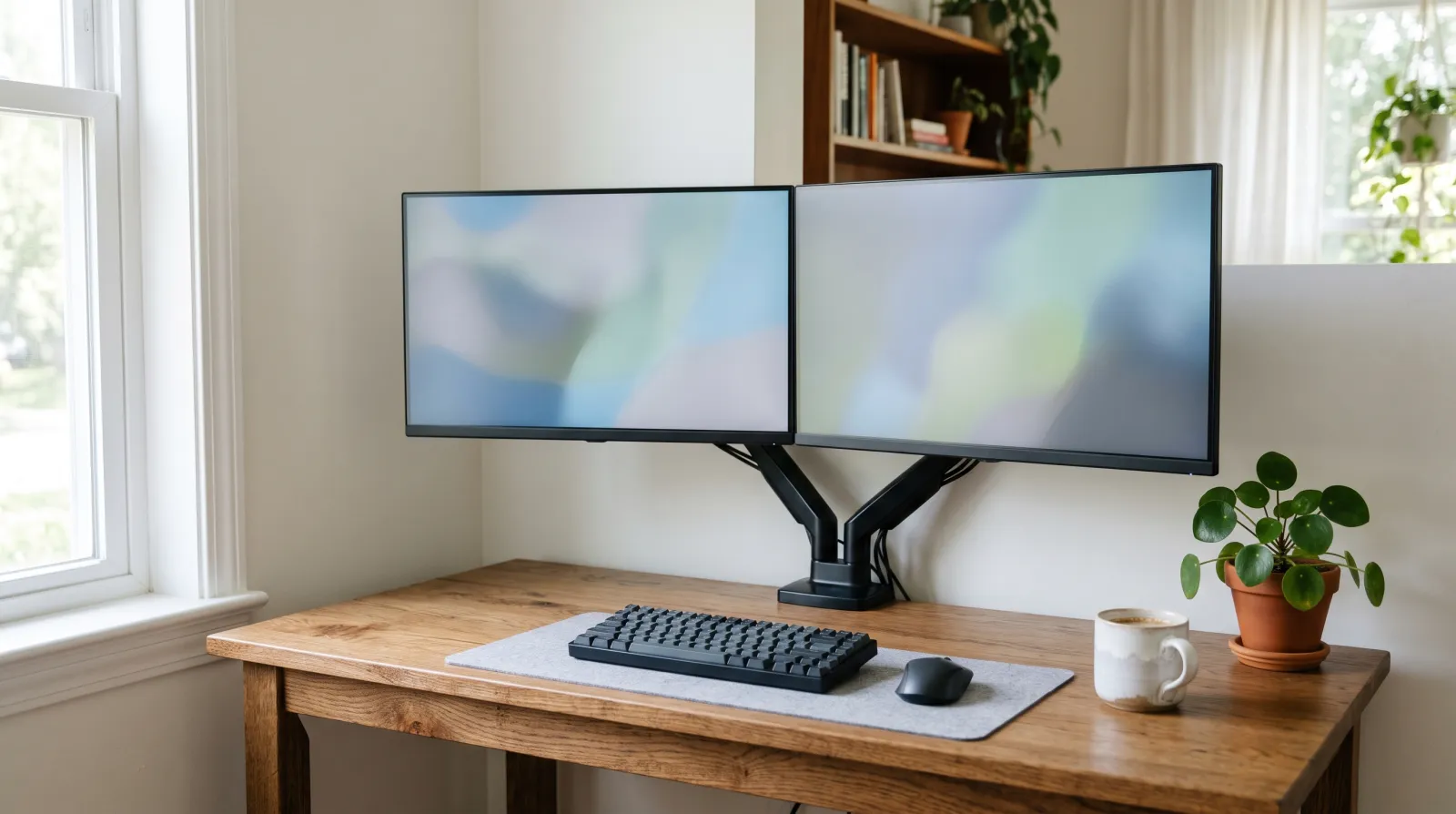
- Best dual: Ergotron LX Dual.
- Best for ultrawides: Ergotron HX, up to 42 lb and 49 inches.
Check it will fit
- VESA holes: look for four screw holes on the back of your monitor, usually 75 x 75 or 100 x 100 mm. Every arm here supports both; larger patterns need a heavy-duty arm like the Ergotron HX.
- Weight, not screen size: weigh the monitor without its stand. Ergotron says screen size limits can be exceeded as long as the weight is in range. Spring arms also have a minimum weight; a screen that’s too light can drift upward.
- Desk thickness: clamps commonly fit desks about 0.4 to 2.4 inches thick. Most arms also offer a grommet mount through a hole in the desk.
- Ultrawide or curved screens: these are often heavy; choose an arm rated well above your monitor’s weight.
Our picks
Ergotron LX Pro
For: most single monitors up to about 34 inches.
Holds 4 to 22 lb · VESA 75/100 · clamp fits 0.4 to 2.4 in desks, grommet option · reaches 25 in · tilts 70° back, 15° forward · 360° pan · cable cover · 10-year warranty · $265 list, $199 at Ergotron (Nov 2026)
Pros
- PCWorld’s best single monitor arm
- Wide clamp spreads force on the desk
- 10-year warranty
Cons
- Holds less than the original LX (25 lb)
- Pricier than budget arms
The original Ergotron LX is still sold and holds 7 to 25 lb, though its height range shrinks with screens over 20 lb. Find the Ergotron LX on Amazon (opens Amazon in a new tab).
BenQ Ergo Arm
For: heavier and bigger monitors on a mid-range budget.
Holds 4.4 to 44 lb · 17- to 45-inch screens · desk reinforcement plate included · 3-year warranty · $150 list, $120 on sale (Wired, 2026)
Pros
- Wired’s best monitor arm overall
- Holds up to 44 lb
- Includes a plate to protect your desk
Cons
- Only a 3-year warranty
- Ergotron’s warranty is much longer
Huanuo HNSS6
For: a basic arm for a typical monitor up to 32 inches for under $50.
Gas spring · holds up to 20 lb · screens up to 32 in · $38.99 (PCWorld, Nov 6, 2026)
Pros
- PCWorld’s best arm under $50
- Very cheap
Cons
- Finicky cable covers (PCWorld)
- Less sturdy than the Monoprice arm PCWorld tested
Ergotron LX Dual Side-by-Side
For: two monitors side by side on one clamp.
Holds 7 to 20 lb per monitor · VESA 75/100 · 10-year warranty · $359.99 (PCWorld, Nov 6, 2026)
Pros
- PCWorld’s best dual arm
- Ergotron build quality
- 10-year warranty
Cons
- Arms too short for two 32- to 34-inch screens (PCWorld)
- Expensive
Want to stack screens instead? The Ergotron LX Dual Stacking Arm with tall pole holds two monitors of 7 to 22 lb each, one above the other, from about $199 (BTOD), though BTOD found its cable management basic. Find the LX tall pole arm on Amazon (opens Amazon in a new tab).
Ergotron HX
For: heavy ultrawide and large curved monitors.
Holds 20 to 42 lb · screens up to 49 in (PCWorld) · VESA 75/100, 200x100 and 200x200 · clamp fits 0.4 to 2.6 in · 10-year warranty · $460 list, $319.99 (PCWorld, Nov 6, 2026)
Pros
- Holds very heavy screens
- BTOD’s best-built arm
- Supports larger VESA patterns
Cons
- Less height range than the LX (PCWorld)
- Expensive
Budget heavy-duty: PCWorld’s budget pick, the MSI MAG MT201, is rated for 44 lb and 49-inch screens for about $67, though setup took 15 to 20 minutes and it uses plastic cladding. Find the MSI MAG MT201 on Amazon (opens Amazon in a new tab).
Herman Miller Flo
For: people who want a smooth, well-made arm and a long warranty.
Holds 7 to 20 lb · 24- to 32-inch screens (Wired) · height 6 to 18.5 in, reaches 23 in · 12-year warranty · $305 list, $229 on sale (Wired, Aug 2026)
Pros
- Wired’s high-end pick
- Smooth spring mechanism
- 12-year warranty
Cons
- Not for 34-inch ultrawides
- Expensive
Also worth a look: the Herman Miller Jarvis arm (formerly sold by Fully) holds up to 19 lb and was $131 on sale (Wired), though it has no reinforcement plate. Humanscale’s older M2.1, M8.1 and M10 arms are being replaced by the new M2 Pro and M8 Pro in 2026.
Set the height and distance
OSHA’s workstation guidance puts the top of the screen at or slightly below eye level, directly in front of you and 20 to 40 inches away, tilted so it’s square to your line of sight. If you wear bifocals, lower the screen and tilt it up. Pair the arm with an ergonomic keyboard and your webcam clipped on top.
The verdict
The Ergotron LX Pro is the monitor arm to buy for most single screens: sturdy, easy to set up and backed by a 10-year warranty. The BenQ Ergo Arm holds heavier screens for less, the Huanuo HNSS6 is fine on a tight budget, the LX Dual handles two monitors, and the Ergotron HX is for heavy ultrawides. Weigh your monitor and check its VESA holes before you buy.
Frequently asked questions
What is the best monitor arm?
PCWorld’s best single monitor arm is the Ergotron LX Pro: it holds 4 to 22 lb, reaches 25 inches, clamps to desks 0.4 to 2.4 inches thick and has a 10-year warranty, shown at $199 on Ergotron’s site in November 2026 (list $265). Wired’s top pick, the BenQ Ergo Arm, holds heavier screens up to 44 lb for about $120 to $150.
How do I know if a monitor arm will fit my monitor?
Check three things. Your monitor needs VESA mounting holes on the back, usually 75 x 75 or 100 x 100 mm. Its weight, without the stand, must sit inside the arm’s weight range, including the minimum, since a too-light screen can drift up on a spring arm. And the clamp has to fit your desk’s thickness, often 0.4 to 2.4 inches.
What monitor arm works for an ultrawide or heavy monitor?
Pick a heavy-duty arm rated for your screen’s weight. The Ergotron HX holds 20 to 42 lb and screens up to 49 inches (PCWorld), the BenQ Ergo Arm holds up to 44 lb, and the budget MSI MAG MT201 is rated for 44 lb. Standard arms like the Herman Miller Flo and Ergotron LX Dual aren’t meant for 34-inch ultrawides.
How high should my monitor be?
OSHA’s workstation guidance puts the top of the screen at or slightly below eye level, directly in front of you, 20 to 40 inches away, tilted so it’s square to your line of sight. If you wear bifocals, lower the screen and tilt it up.
Sources
This guide is based on maker product pages, published reviews and OSHA’s workstation guidance. We have not tested these products ourselves. Specs and prices were checked on November 22, 2026; check Amazon for today’s price.
- PCWorld: Best monitor arms 2026 (Nov 6, 2026) (opens in a new tab)
- Wired: The best monitor arms (updated Aug 22, 2026) (opens in a new tab)
- BTOD: Best monitor arms tested for 2026 (Sep 25, 2026) (opens in a new tab)
- Ergotron: LX Pro desk monitor arm (opens in a new tab)
- Ergotron: HX desk monitor arm (opens in a new tab)
- Ergotron: LX Dual side-by-side arm (opens in a new tab)
- Ergotron: LX Dual Stacking Arm, Tall Pole (opens in a new tab)
- Humanscale: M/Class monitor arm upgrade (2026) (opens in a new tab)
- Herman Miller: How a monitor arm can optimize your home office ergonomics (opens in a new tab)
- OSHA: Computer workstations eTool, monitors (opens in a new tab)